Audit Logging
Audit logging records database changes so administrators can understand who changed what, where it changed, and how the data looked before and after the operation.
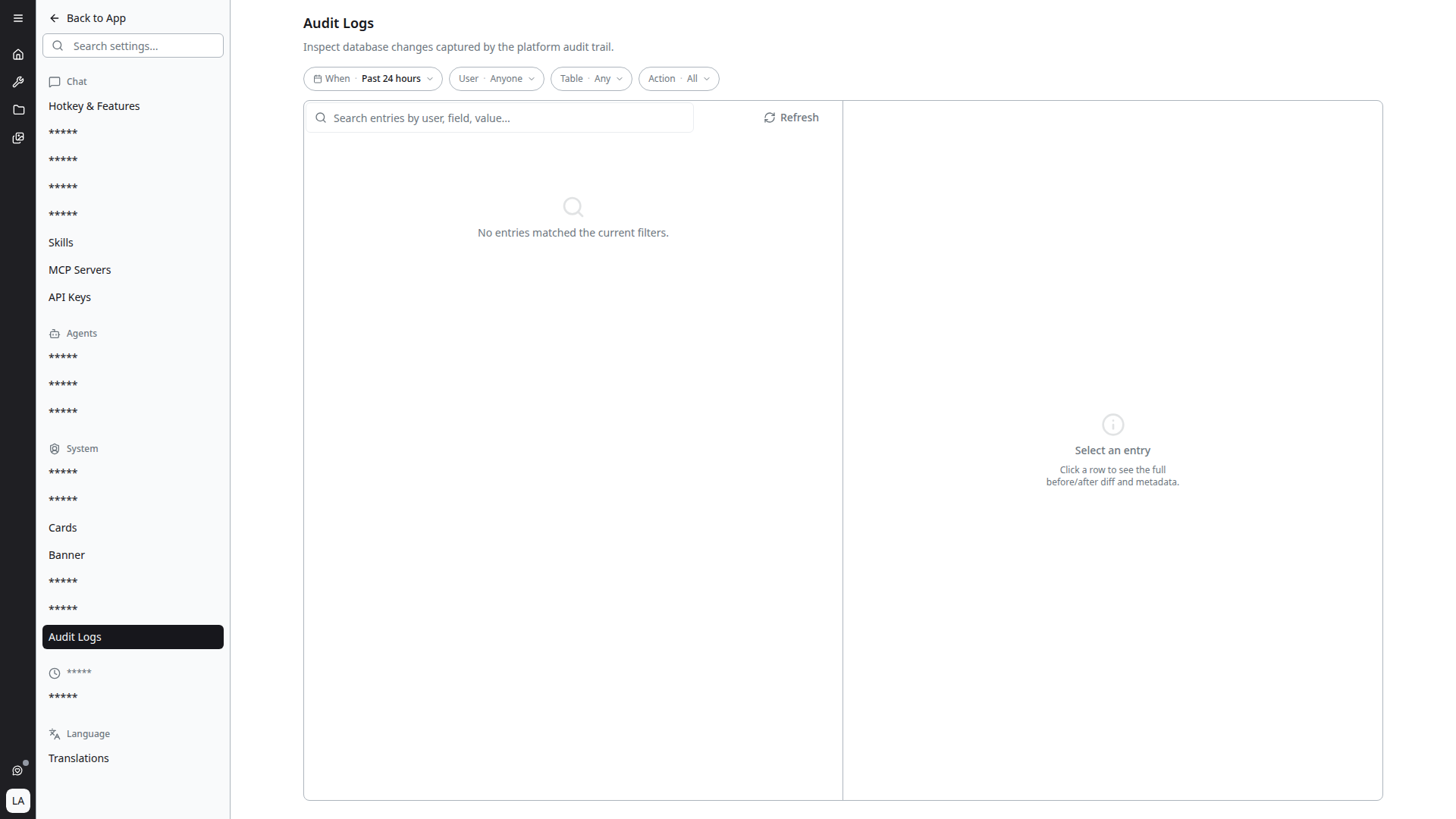
The audit log viewer is available in Settings → System → Audit Logs.
What Is Captured
Audit entries are created when supported backend models are created, updated, or deleted. Each entry stores:
- User: the stable user identifier is stored in the database, while the UI displays the resolved user name when available.
- Operation:
CREATE,UPDATE, orDELETE. - Table name: the MongoDB collection that changed.
- Previous value: the document state before the change, when applicable.
- New value: the document state after the change, when applicable.
- Timestamp: when the audit entry was created.
Supported Backends
Audit gathering is enabled for the main Mongo-backed services:
divi: platform settings such as categories, templates, model settings, scheduled tasks, and MCP configuration.gen-ai-users: users, user groups, feedback, and banners.history8: conversations, projects, presets, messages, files, transcriptions, and model settings.diviaisearch: agents, categories, users, and user groups.divi-api-forwarder: API keys, users, and user groups.
Filtering Audit Entries
Use the filter card to narrow the audit list before loading entries:
- User Name searches backend suggestions and stores the stable user ID for filtering.
- Operation limits entries to one change type.
- Table Name searches backend table suggestions.
- Date range limits results by creation time.
The entries table stays collapsed until Apply Filters is selected. After applying filters, the filter card collapses and the entries card expands with the matching audit records.
Searching by Value
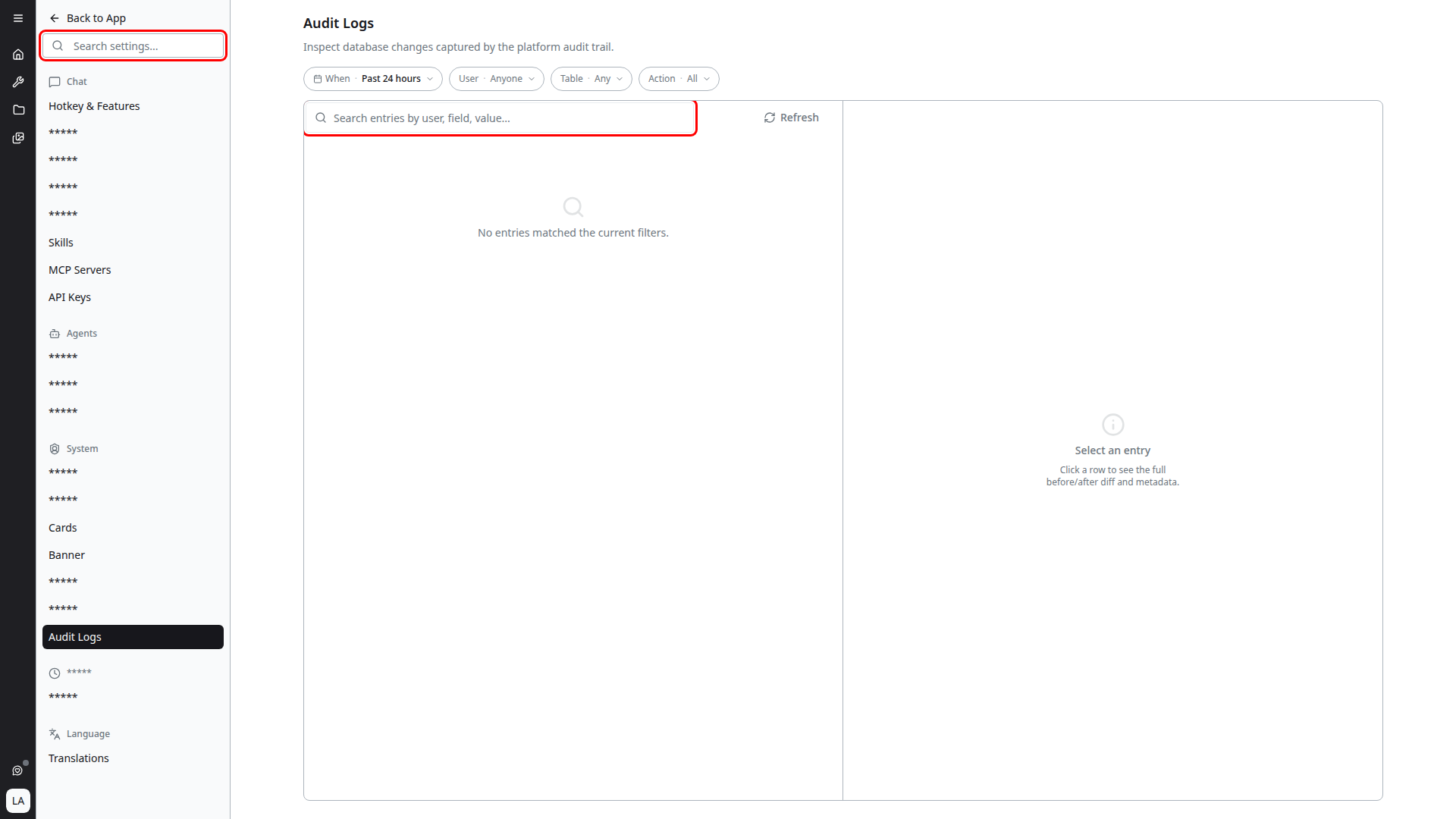
Alongside the filters above, audit entries can be searched by value — the contents of the previous and new document states, not just their metadata.
This answers the questions the metadata filters cannot. Filtering by user and table tells you that someone changed a record; searching by value finds the record that ever held a particular value — which group a permission was granted to, which agent had a given ID, which banner carried a specific message before it was edited.
Value search is the practical way to trace a specific object's history when you don't know who touched it or when. Search for the identifier or the text you remember, then use the timestamps on the results to reconstruct the sequence.
Reading Entry Details
Open an audit entry to compare the previous and new values. For updates, both values are shown so administrators can inspect exactly which fields changed. For creates, the previous value is empty. For deletes, the new value is empty.
Notes
Audit logs are intended for administrative investigation and traceability. They should be treated as sensitive operational data because previous and new values can include business data from the changed document.