Banners
Administrators can create and manage banners that display important messages to users across the platform.
Banner Types
General Banners
Informational banners used for:
- Announcements about new features
- Upcoming maintenance windows
- General platform news
Warning Banners
Higher-priority banners for:
- Service disruptions or known issues
- Important policy changes
- Urgent notices requiring user attention
Configuring Banners
Banners are managed through the administration interface:
- Navigate to banner management
- Create a new banner with:
- Type — General or Warning
- Message — The banner content
- Active status — Enable or disable the banner
- Save and activate the banner
Display
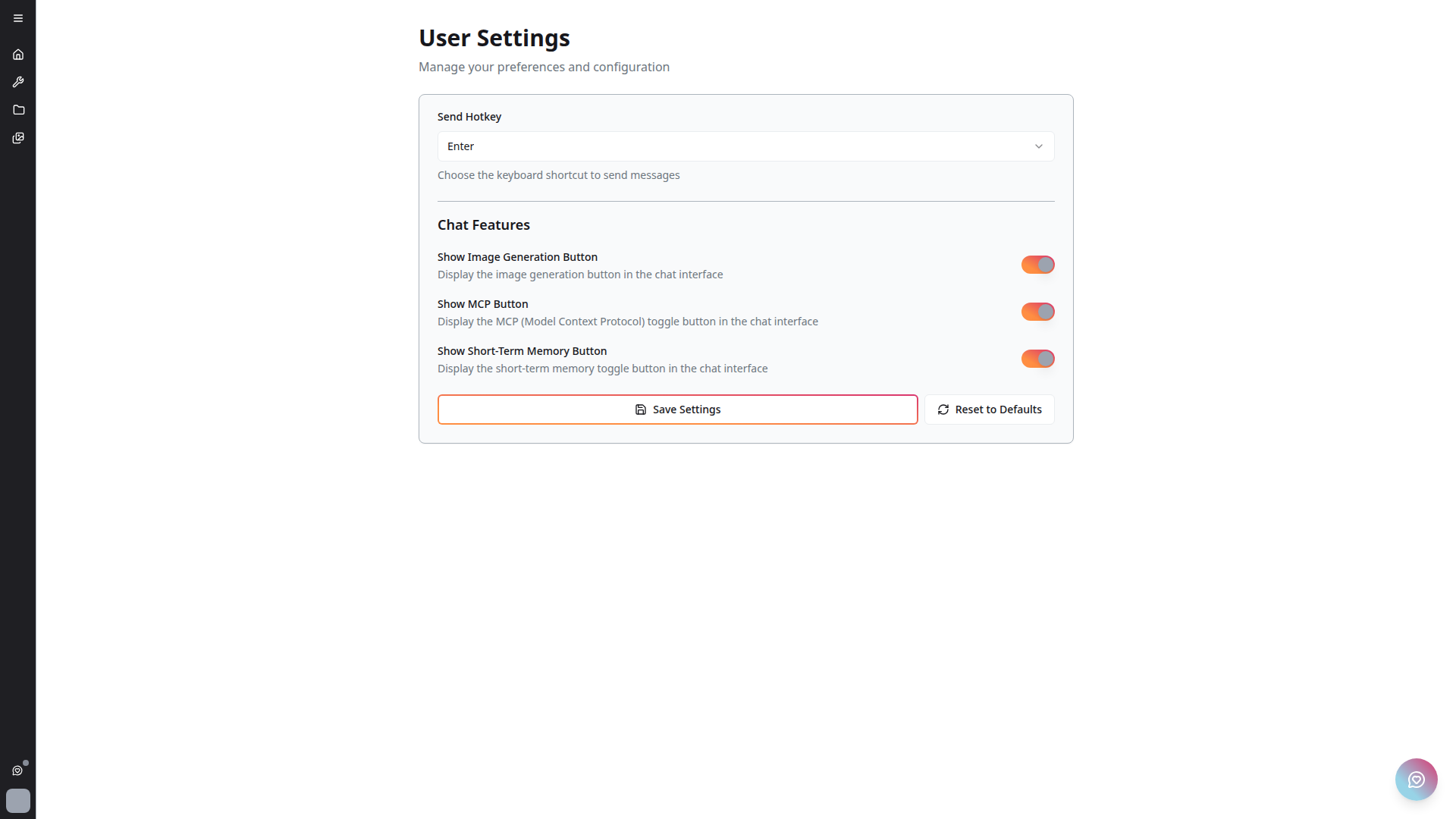
Active banners appear on the user settings page and may be displayed in other prominent locations across the platform.
note
The banner offset is handled automatically by the platform's layout system to ensure content is not obscured.